
For architects
Present your building as it was made to be seen
Turn your own photographs into a polished video: a slow camera, quiet transitions, sound and simple graphics. The architecture and its details stay exactly as you photographed them.
Start in the editor Exports a 1080p or 720p video from your browser.
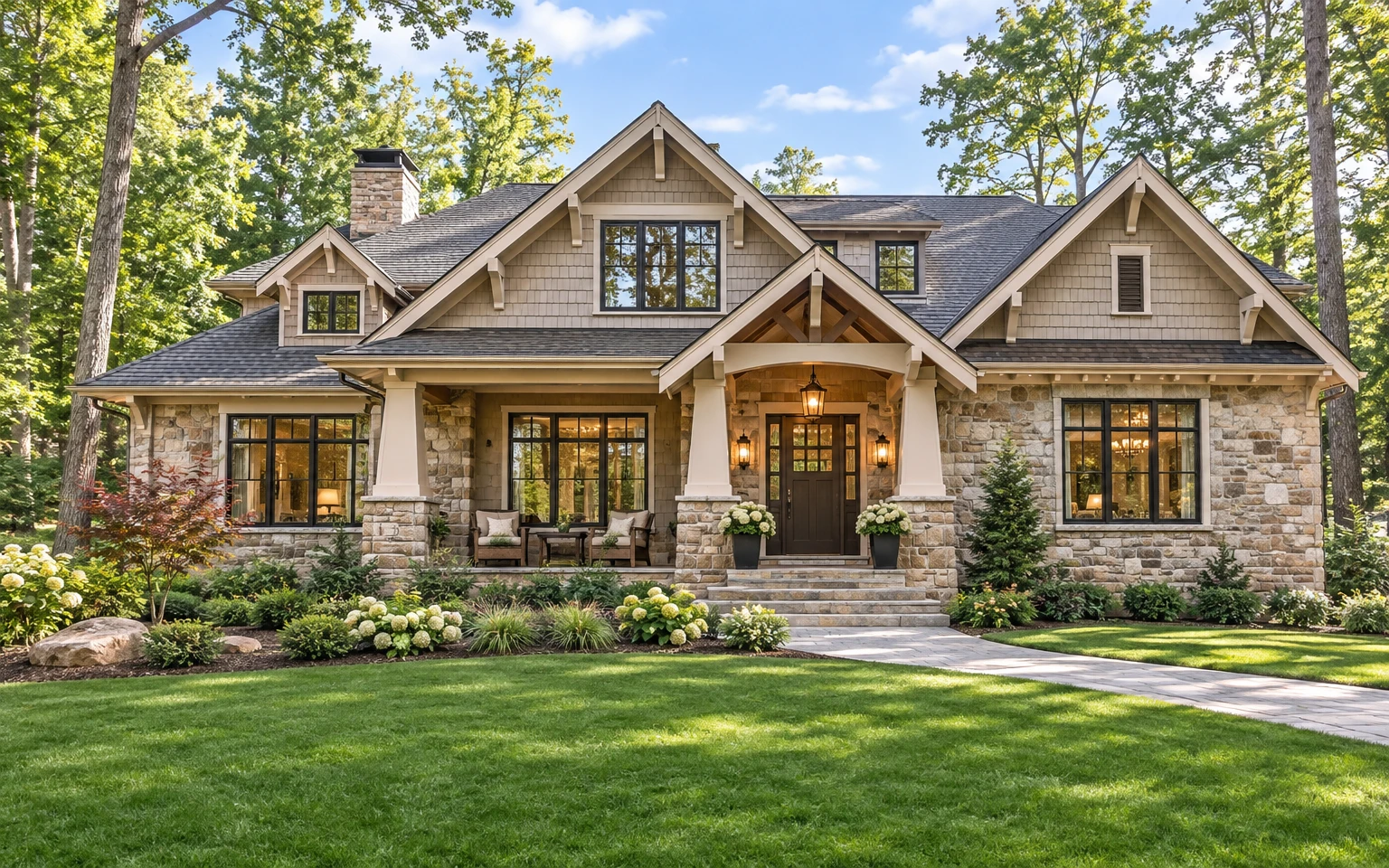
From photographs to a finished film
01
Bring your photographs
Add your own photographs of the building, exterior and interior, and drag them into the order you want them seen.
02
Choose a restrained move
Give each photograph a push-in, pull-out or lateral track, at a very slow, slow or gentle pace, like a camera on a rail.
03
Connect with quiet transitions
Join the views with a slow dissolve, a dip to black or a plain cut.
04
Add sound and graphics
Set a quiet piano, soft strings or room tone, then add a title card and an address lower-third.
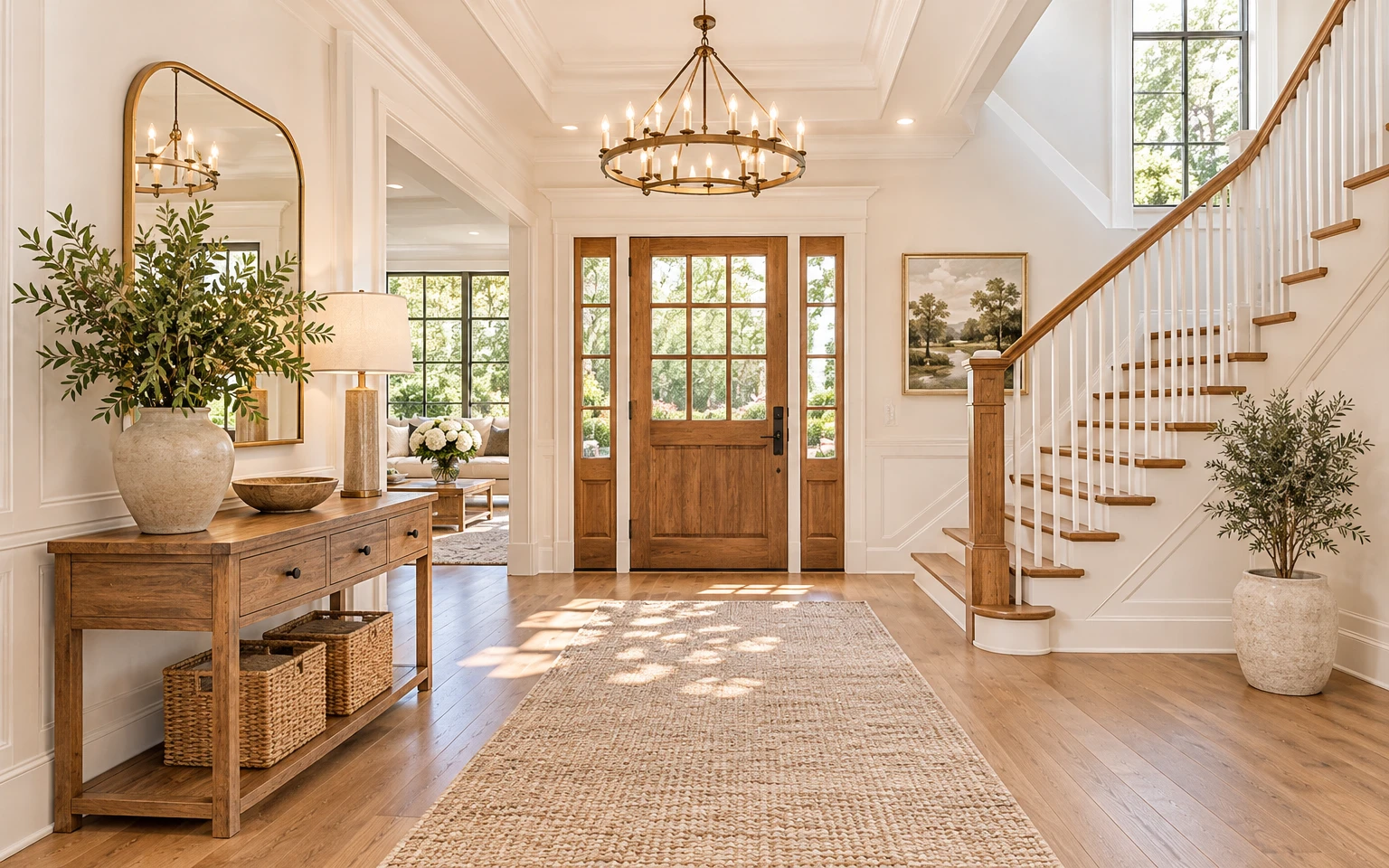
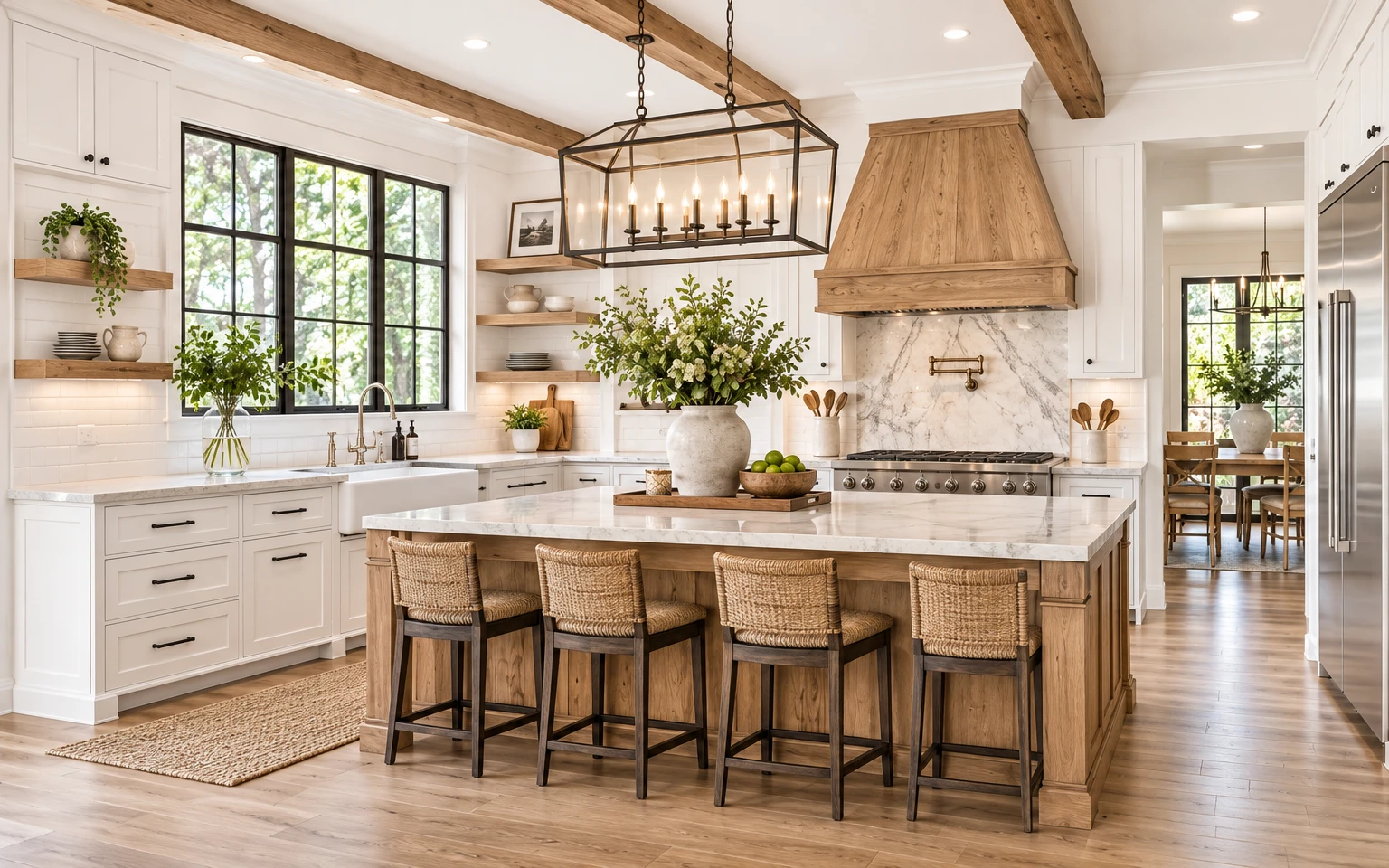
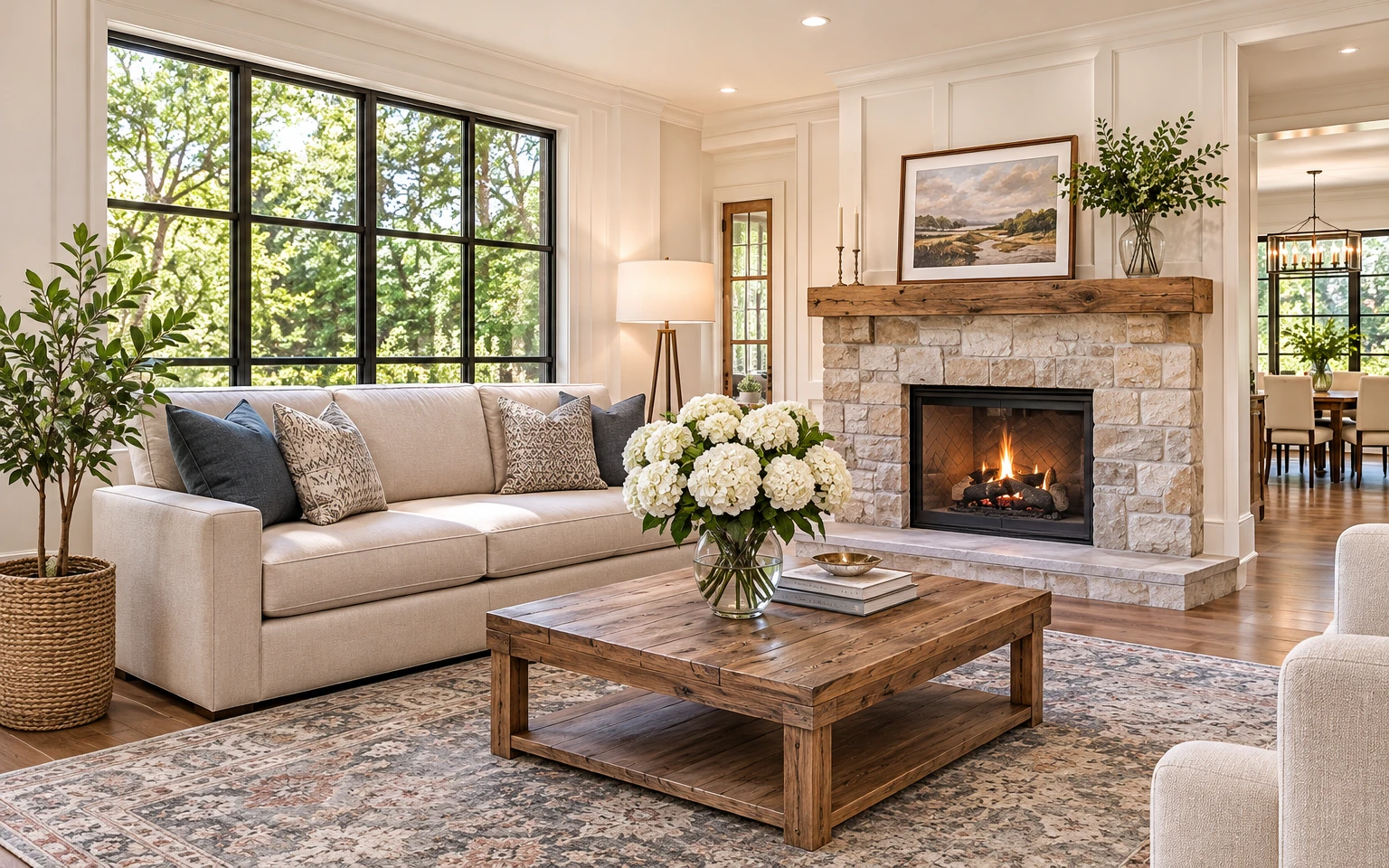
Faithful to your architecture
- Every frame is one of your photographs. Nothing is generated and no views are invented.
- Camera moves are a slow scale or slide across the photograph, so lines, proportions, materials and details stay as you shot them.
- Optional sun and shadow time-lapse is a light overlay on your image, and can be switched off.
- Title card and lower-third carry your project name and address in plain type over the picture.
Motion, transitions, sound and graphics are the controls you already see in the editor.
Ready to present your next building?
Add your photographs, set the pace and export.
Open the editor