
How it works
How VIVALIO turns photographs into film
A few still photographs go in. A calm, edited video comes out, with every view kept true to the image it came from.
How it works
Five steps, all in your browser
- 01
Upload your photographs
Add a handful of finished, professional photographs, exterior and interior, and drag them into the order a visitor would walk the property.
- 02
Give each a slow camera move
Push-in, pull-out, lateral track left or right, pedestal rise or fall, at a very slow, slow or gentle pace, like a camera on a track.
- 03
Shape the film
Join the views with a slow dissolve, a dip to black or a cut. Add a sun and shadow time-lapse to a view where the light should move.
- 04
Sound, titles and your logo
Choose quiet piano, soft strings or room tone, add a title card and address lower-third, and place your company logo as a watermark.
- 05
Export and share
Render a landscape 16:9 or vertical 9:16 video at 1080p or 720p, straight from your browser, ready for a listing, portfolio or reel.
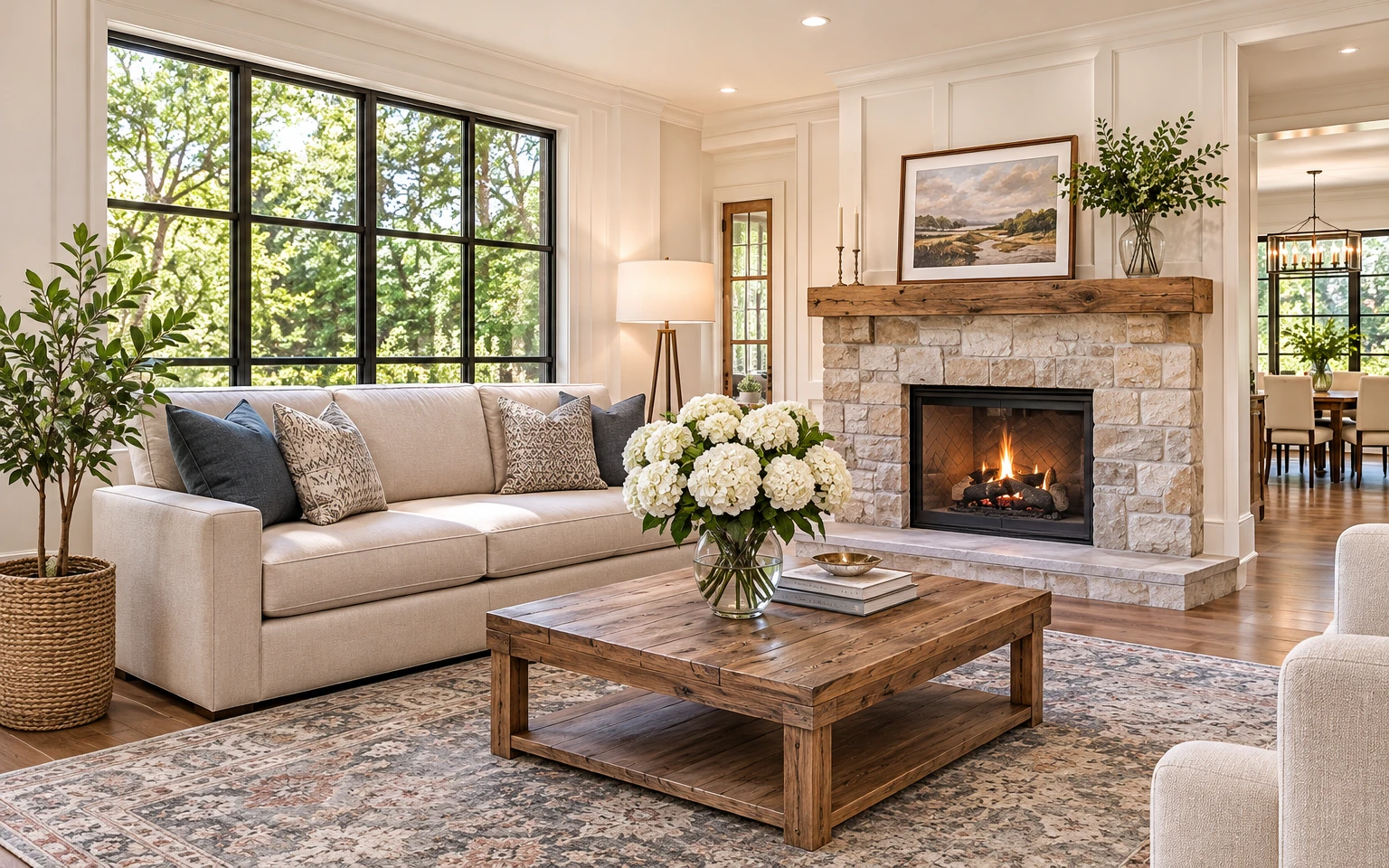
Faithful to the photograph
- Every frame starts from your photograph. VIVALIO reads the depth in the picture and moves a slow camera through it, rather than inventing a new scene.
- Moves are kept very small and very slow, so lines, proportions, materials and finishes stay as they were shot.
- The sun and shadow time-lapse is a light pass over your own image, and can be switched off.
- Titles, address and logo sit over the picture in plain type, never baked into the photograph.
Who it's for
One quiet engine, four kinds of professional
Present a finished building as it was meant to be seen
Turn your commissioned photography into a quiet film for award entries, your portfolio and client presentations: a slow rise up a façade, a track along a glazed elevation, light moving across a room.
More for architects- Portfolio and award submissions
- Client and planning presentations
- Studio website and social reels
Ready to bring your photographs to life?
Add your photographs, set the pace and export.
Open the editor